
Bank Statements to QuickBooks in Seconds
Stop wasting time on manual data entry. Let pmsox.ai securely process your PDF statements and generate accurate CSV files, ready for any accounting system.
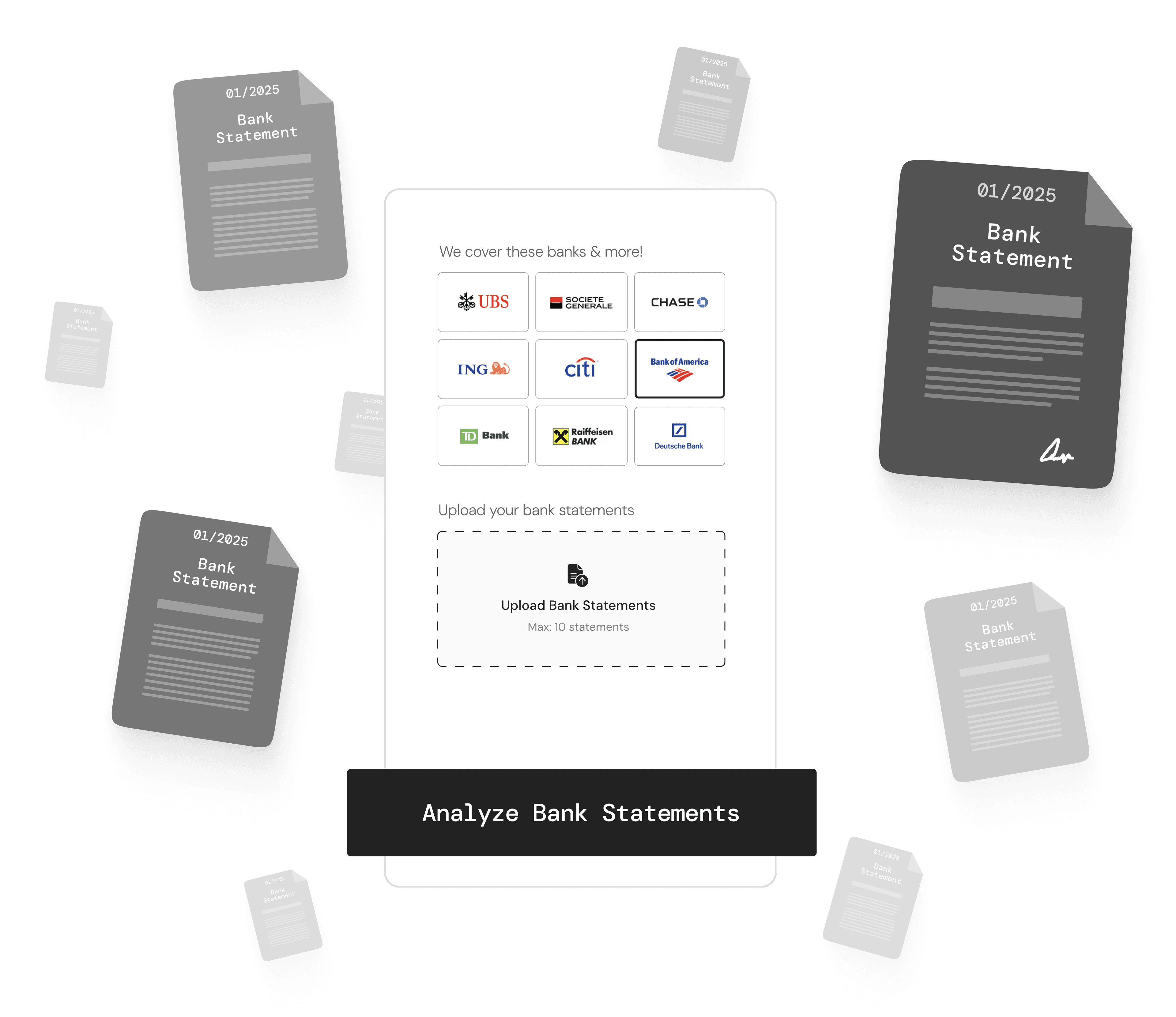


How It Works
Three simple steps to automate your bookkeeping process
Upload Statements
Drag and drop or browse for your PDF bank statements.
Processing
Our AI and algorithmes automatically captures dates, amounts, payees, and categories.
Download CSV
Download a standardized CSV with properly formatted columns ready for accounting systems.
Features that make your work easier
Everything you need to streamline your bookkeeping process
Accurate Data Extraction
State-of-the-art OCR and AI ensure minimal errors in transaction data extraction.
Lightning Fast
Convert PDFs to CSV in seconds—perfect for busy accountants and bookkeepers.
High Security
End-to-end encryption and compliance with data privacy standards.
Multi-Bank Support
Compatible with statements from all major banks and credit unions.
Smart Categorization
Automatic transaction categorization to simplify your bookkeeping process.
Seamless Integration
Export CSV or directly link to QuickBooks, Sage, and other platforms.
Who Uses pmsox.ai?
Trusted by businesses and professionals worldwide
Small Businesses
Keep your books updated without drowning in paperwork. Perfect for busy entrepreneurs.
Accounting Firms
Process multiple client statements at once, drastically cutting time spent on manual data entry.
Freelance Bookkeepers
Spend less time typing and more time advising your clients. Boost your productivity.